
Rockbox is a free and an open-source software written in C and ASM, developed by Linus Feltzing, Daniel Stenberg and Björn Stenberg in late 2001. It is a replacement for EOM firmware in various digital audio players, like iPod 5th/5.5th Generation. It provides enhanced functionality, performance improvements, and customization options.
As of today, the current Rockbox version is 4.0, which was released on April 1, 2025. Rockbox can be easily installed using the Rockbox Utility.
Download the Rockbox Utility version compatible with your operating system. If you are using Windows, download the first on the list, a compressed file in .zip file format.
Connect your iPod to your computer and go to its root directory.
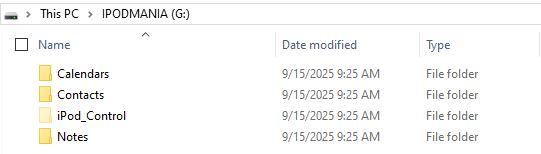
Extract the .zip file directly to your iPod root directory. You can also extract the .zip file to a folder on your computer and then copy the 3 extracted .exe files over to your iPod root directory.
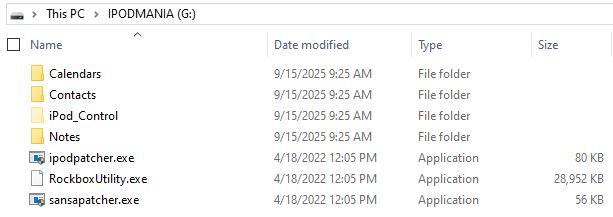
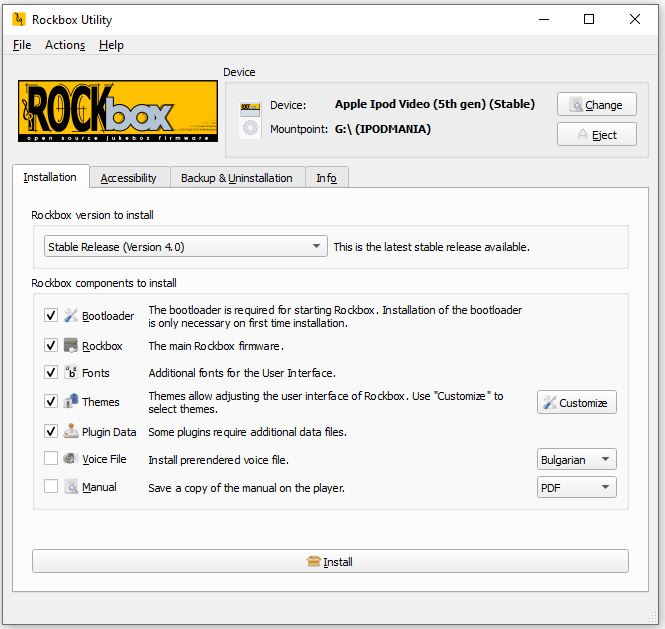
Double click on “RockboxUtility.exe”. You will be prompted with a window like below.
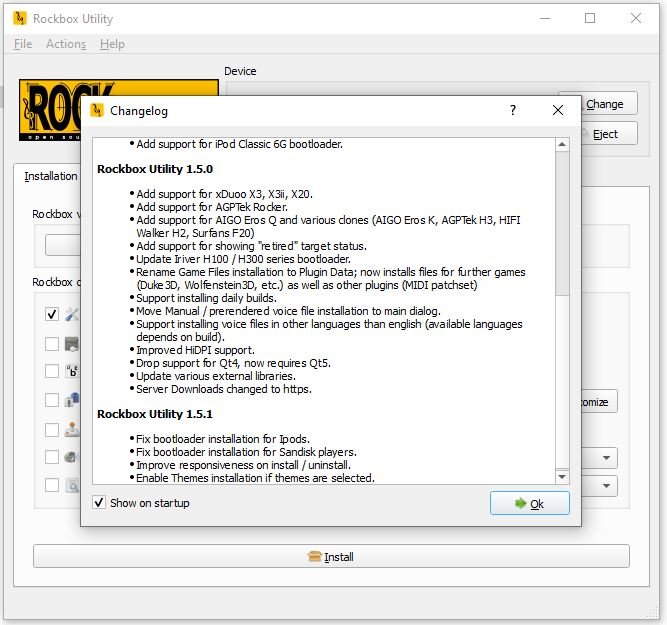
Click “Ok” and select or tick on the Rockbox components you want to install: Bootloader, Rockbox, Fonts, Themes and Plugin Data.
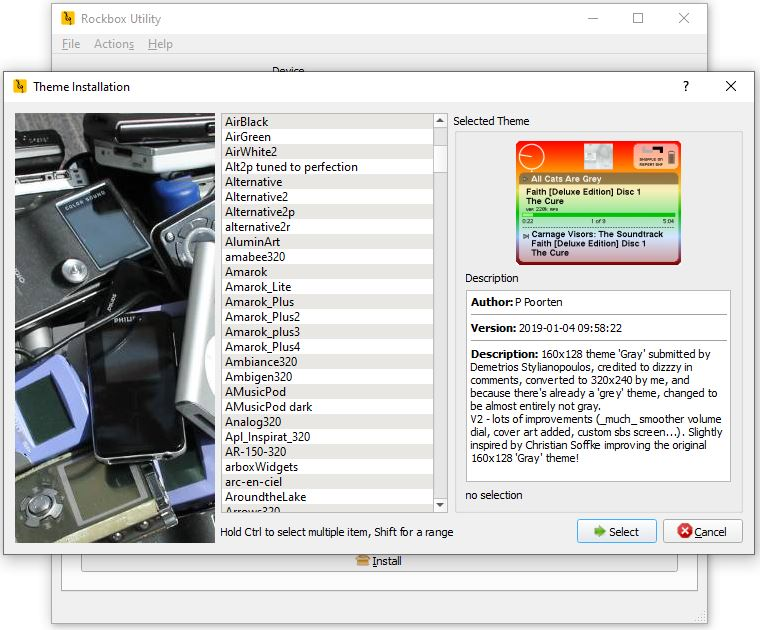
You will be prompted with the “Theme Installation”. Select the themes you want to install.
And click “Install”.
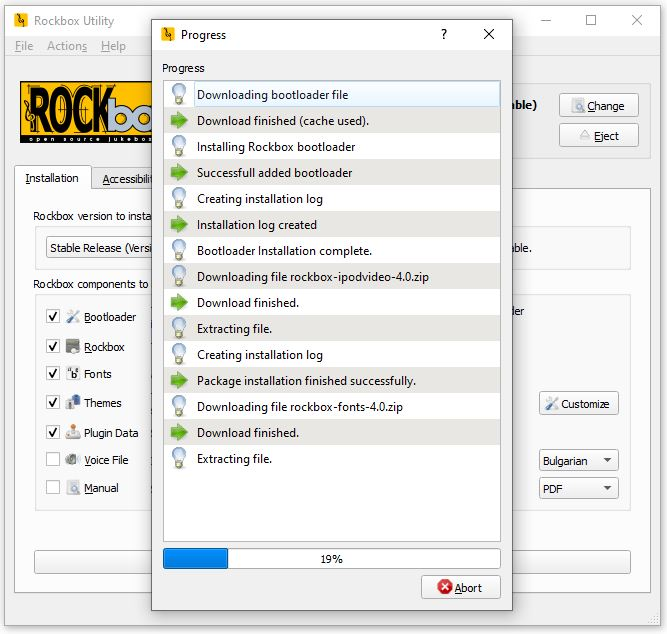
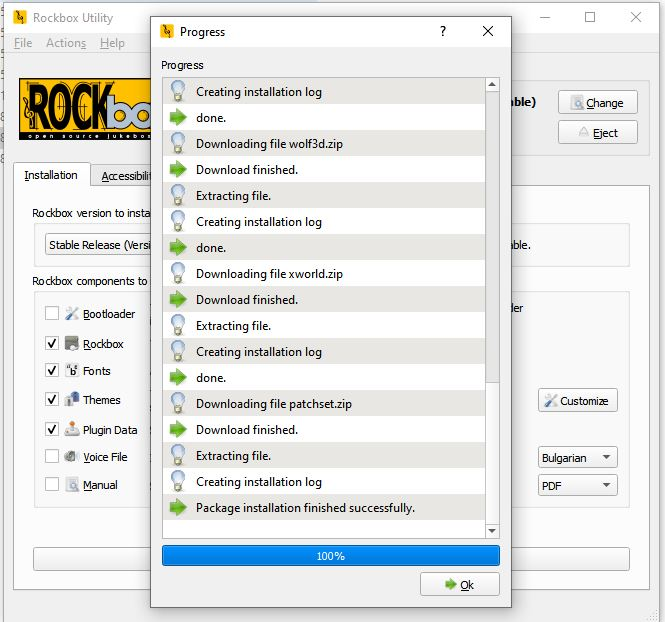
Installation usually takes few minutes and at the end it will display a message – “Package installation finished successfully.”. Click “Ok” to complete the installation.
That’s it! 😉
Note: To boot up into iTunes, turn off the iPod and the hold button to lock position. Hold down the Menu button and as you shift the hold switch to unlock. It will display the Apple logo and boot into the original iPod OS.